Phone Apps / Daybook
Android · Free · No ads · No account
Daybook
A day planner with alarms. Plan each day, keep up to three daily or weekly alarms, and pick the look that suits you. It works offline and keeps everything on your phone.
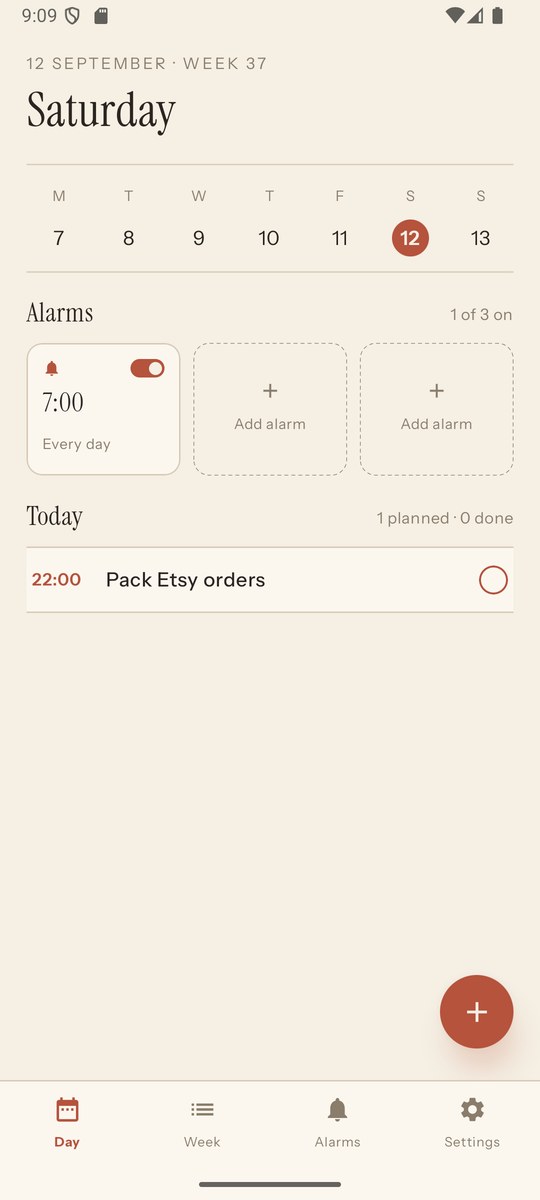
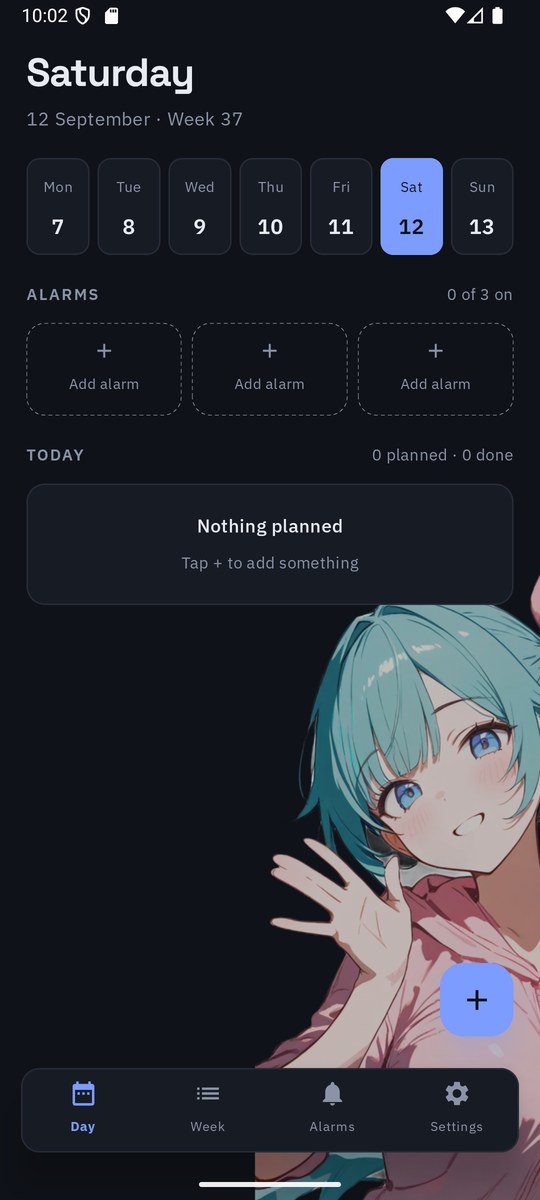
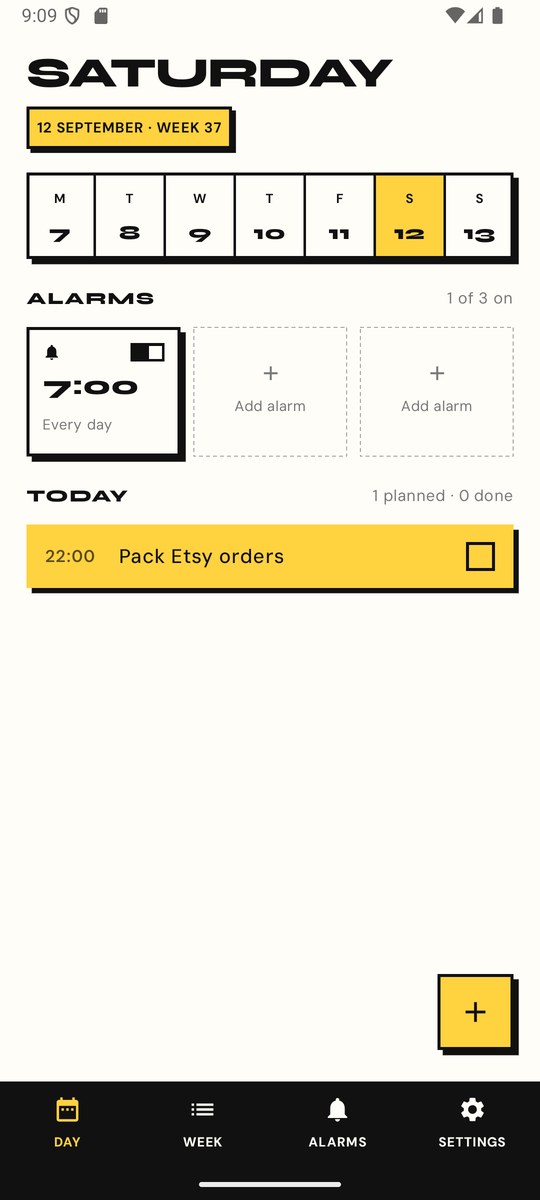
What it does
Plan the day
Add what's happening with a time and a note, tick things off as you go, and see what's next at a glance. A week view shows the whole stretch.
Three alarms
Up to three alarms, each once, daily, or on the weekdays you pick. Snooze, vibrate, and a full-screen ring that works from the lock screen.
Your look
Switch between Paper, Midnight and Blocks, set your own colours, corner radius and border weight, and put a photo behind it all, or one of the built-in textures, or one of six original characters who peek in from the edge of the screen, or a painted view of a world heritage site. Fade and blur as much as you like.
Download
Daybook for Android
.apk file, which is how Android apps are packaged.Daybook isn't on the Play Store yet, so your phone will mention that the app comes from outside it. That's expected. Needs Android 8.0 or newer. To update later, download the new version and install it over the old one; your plans and settings stay.